
 58%Good match
OVR Toolkit - Desktop Overlay
86%3k86% positive reviews, Very Positive across 3k reviews·VR · Software
—
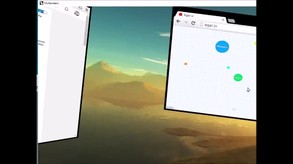


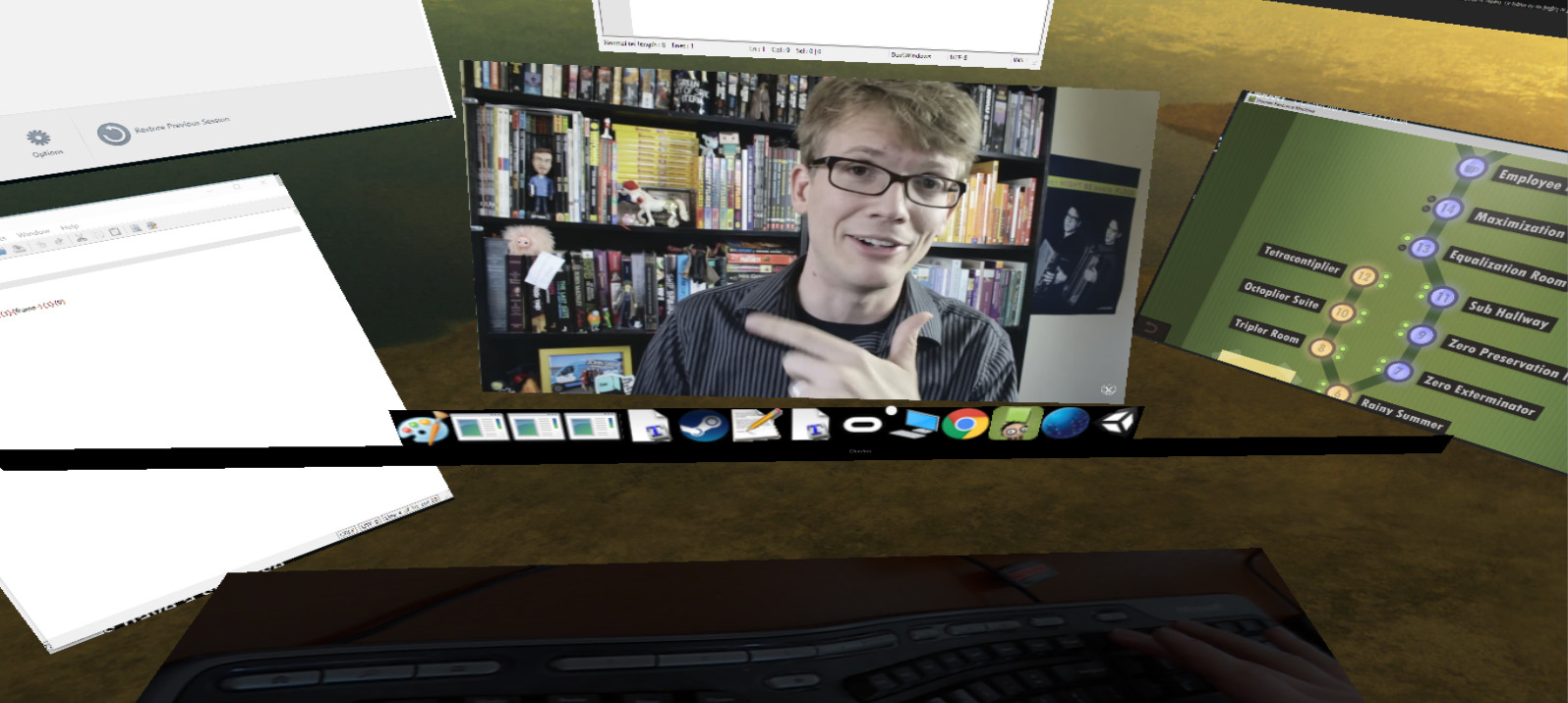
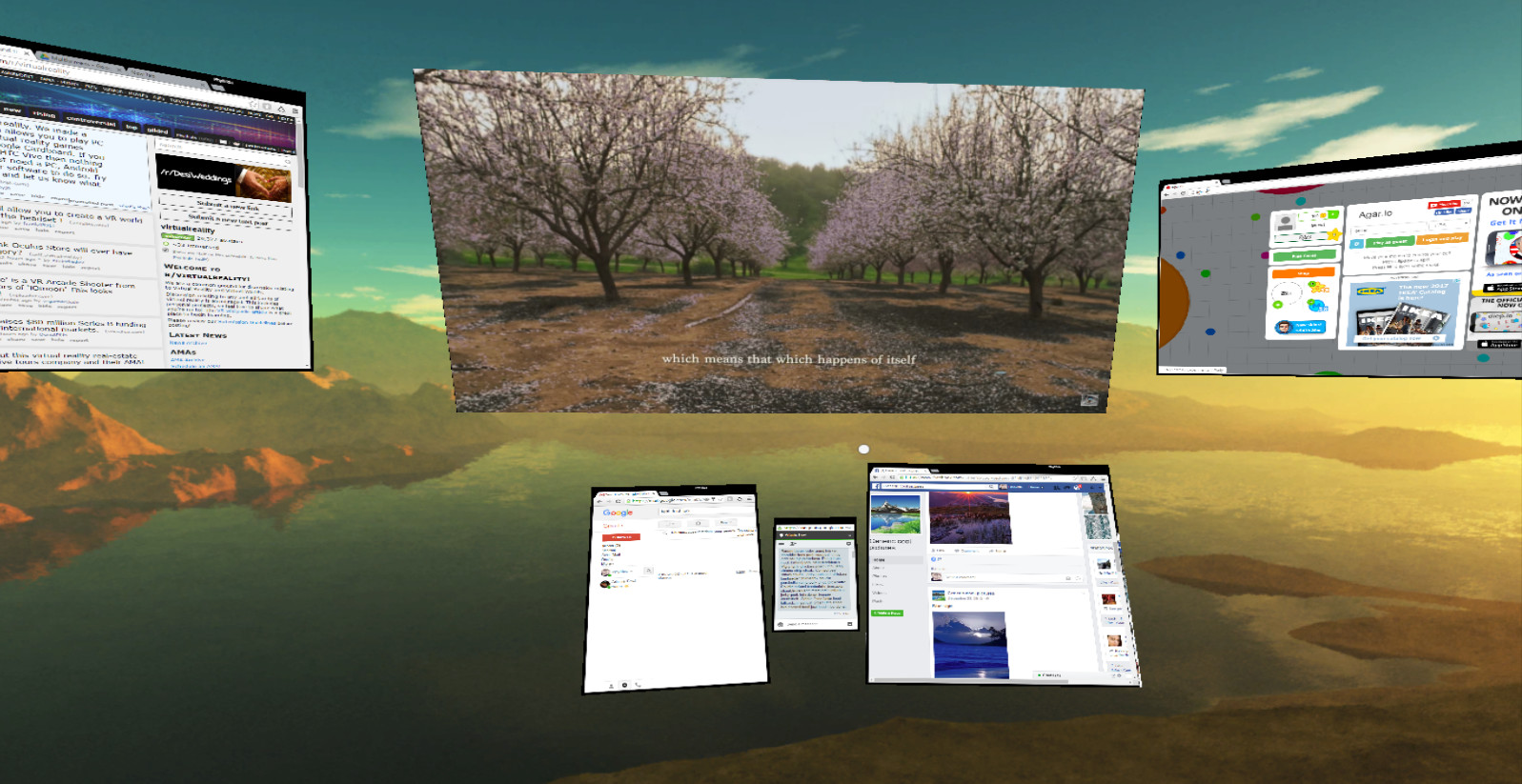
A program in VR that lets you have as many virtual monitors as you want.
Multiscreens is a early-access program that lets you have as many screens as you want in VR. Specifically, each program is its own screen and can be moved around as desired.
Right now you can:
- Change the target framerate of each window captured
- Play multiple videos simultaneously (just make sure if you are in chrome to disable Hardware Acceleration in advanced settings) while playing a game
- Turn on supersampling
- Control everything with your mouse which leaves your keyboard and controller free for typical use (there is also a mouse sensitivity setting)
- Move windows freely in a 3D space around you and make them bigger or smaller as desired
- Capture right click menus and other context menus
- Capture the mouse on the currently active window
- No Headless Ghosts are required, this program works fine when you simply have a single physical monitor (or headless ghost) plugged in
- Minimize (hide) windows as desired
- Change focus between windows with a single click
- Use a webcam that's displayed below you to see your keyboard while in VR
- Multiscreens can technically capture every window, but some it can only capture while they are currently focused
- There is a "virtual taskbar" that allows you to bring up programs you have opened by clicking on their icons below
- You can change this Taskbar's position
- Reset view
Current limitations (in order of planned feature addition):
- Screens can't be curved yet
- You generally need to open windows before opening Multiscreens, it's difficult to start programs while in Multiscreens (I'm going to add a search bar to open any program you currently have installed and allow you to "pin" programs to your taskbar)
- Can't capture the entire desktop
- Vive controller support doesn't exist yet, everything is currently controlled with your mouse
Enjoy, and let me know what you think! I'm happy to listen to feedback and will try and make this the best product for all of you as possible :)
Steam data © 2026 Valve Corporation. Trademarks are property of their respective owners.
All matches
Finding similar games…
OVR Toolkit - Desktop OverlayShares VR · VR Only86% · 3k positive reviews58%Good match— OVRdropShares VR · VR Only66% · 526 positive reviews57%Good match—
 XSOverlayShares VR · VR Only85% · 2k positive reviews55%Good match—
 Virtual Desktop ClassicShares VR · VR Only69% · 2k positive reviews55%Good match—
 Simple VR Video PlayerShares VR · VR Only , adds Video Production69% · 347 positive reviews55%Good match—
 Driver4VRShares VR , adds 6DOF62% · 1k positive reviews53%Good match—
All matches
The best games like Multiscreens are OVR Toolkit - Desktop Overlay, OVRdrop, XSOverlay, Virtual Desktop Classic, and Simple VR Video Player.
Match on: filter matches for Multiscreens by tag