

 60%Good match
Shapelab
85%34685% positive reviews, Very Positive across 346 reviews·VR
—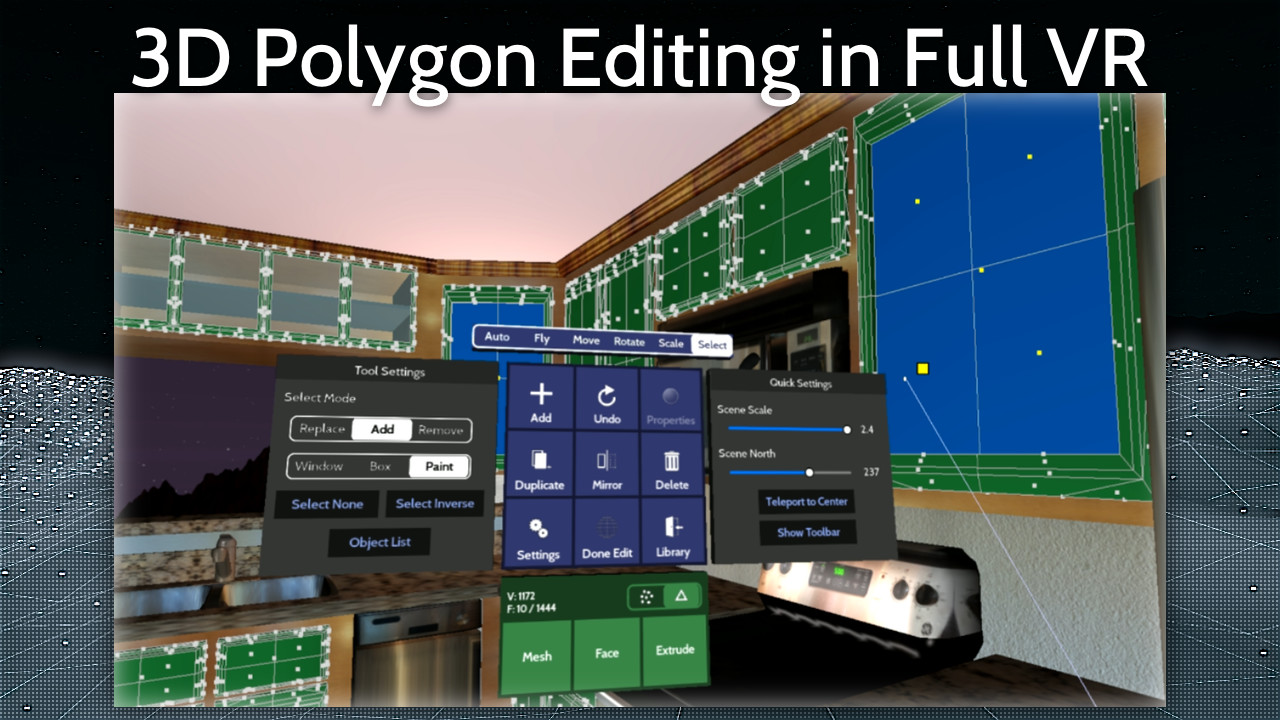
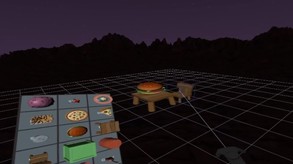
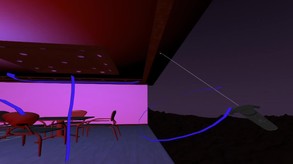
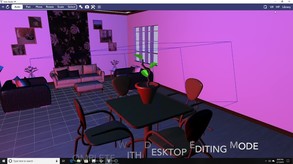

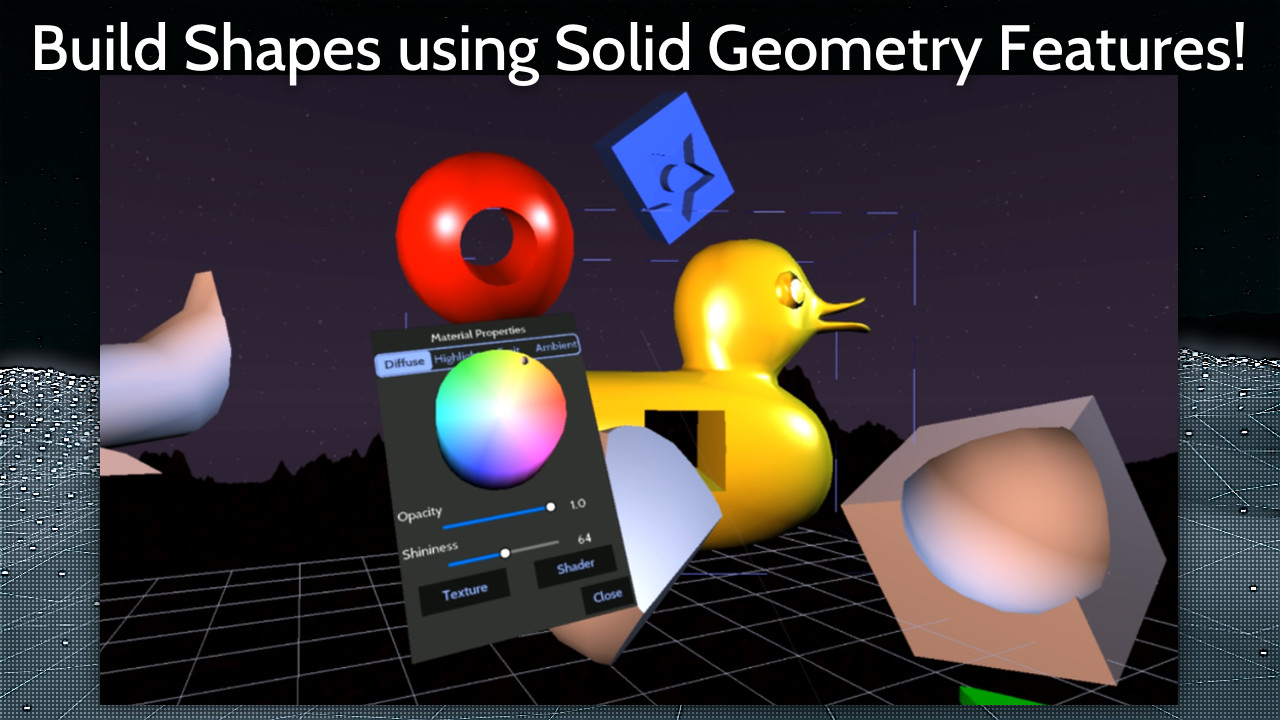
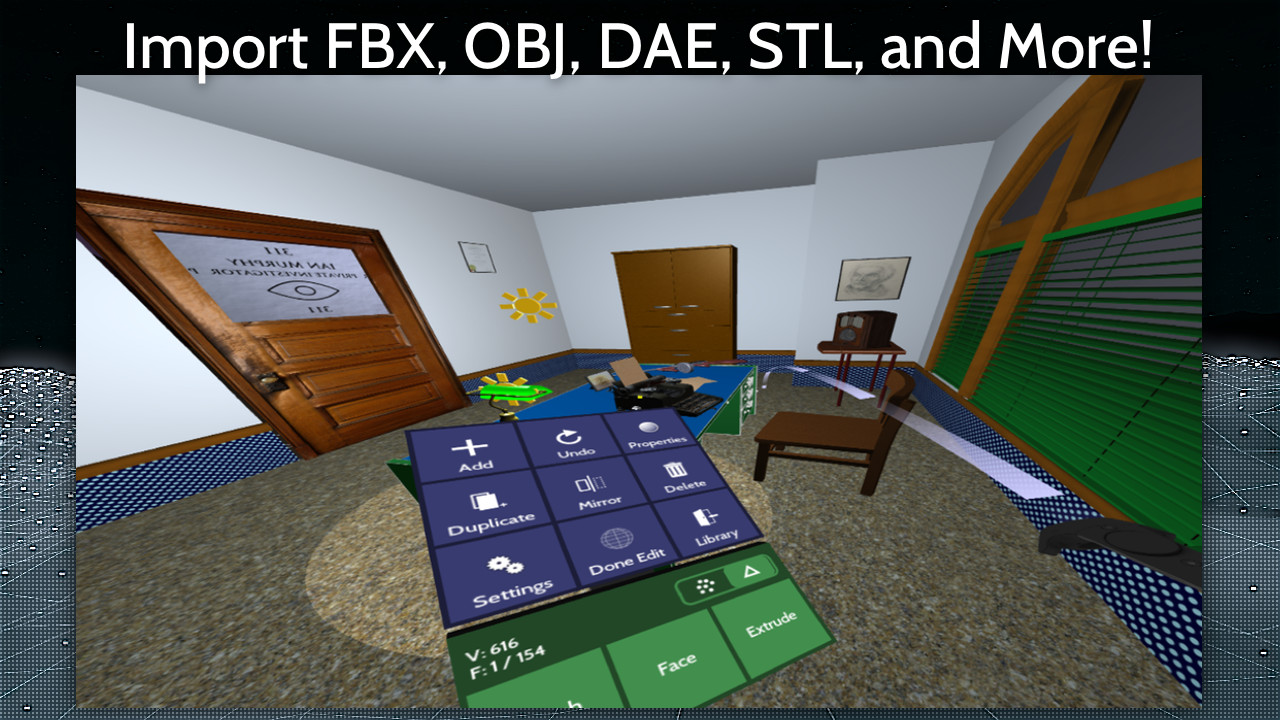
VertoStudio VR is a fully-capable 3D modeling studio designed to run entirely in VR! You can use it to import FBX, OBJ, DAE (and more) directly in front of you, then configure every aspect of the visual display of these scenes directly down to the individual polygons.
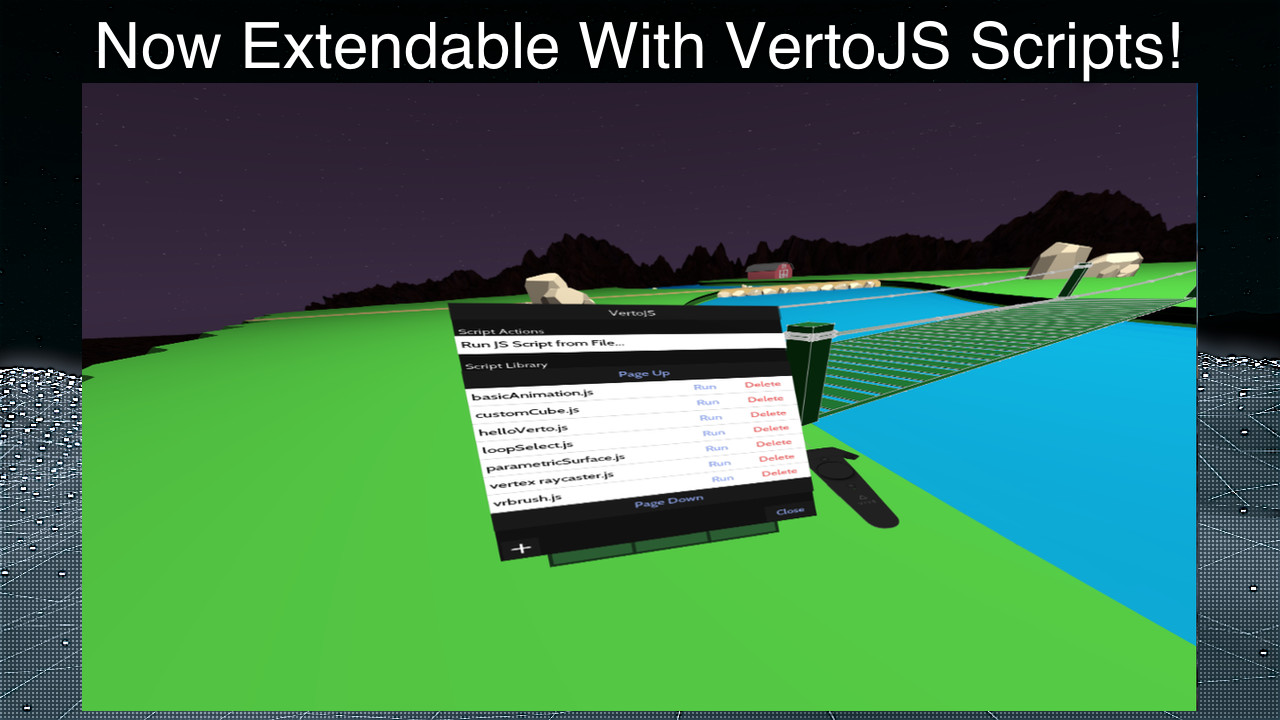
VertoJS scripting support adds programmable features running inside Verto Studio. This means you can program your own 3D scripts for Verto Studio and run them in VR to do almost anything! This debut release adds Scene, Camera, Model, Light, Material, Texture, Selection, Animation, VertoStudio classes to VertoJS. To learn more about VertoJS, tap the VertoJS button in the main library space when launching the app. Additionally the following changes have been made:
Steam data © 2026 Valve Corporation. Trademarks are property of their respective owners.
All matches
Finding similar games…
ShapelabShares Design & Illustration · Animation & Modeling · VR85% · 346 positive reviews60%Good match— Gravity SketchShares Design & Illustration · Animation & Modeling · VR , adds Education75% · 298 positive reviews55%Good match—
 VTuber MakerShares Design & Illustration · Animation & Modeling · Game Development , adds Video Production82% · 2k positive reviews52%Good match—
 VRM Posing DesktopShares Design & Illustration , adds Photo Editing97% · 331 positive reviews52%Good match—
 Blocks by GoogleShares Design & Illustration · VR85% · 227 positive reviews50%Good match—
 Virtual Desktop ClassicShares VR69% · 2k positive reviews49%Loose match—
All matches
The best games like Verto Studio VR are Shapelab, Gravity Sketch, VTuber Maker, VRM Posing Desktop, and Blocks by Google.
Match on: filter matches for Verto Studio VR by tag